01
Introduction to Computer
Fundamentals of computing, what computers do, and why they matter in today's world.
Enabling marginalized students to use technology effectively for education and a more connected future.
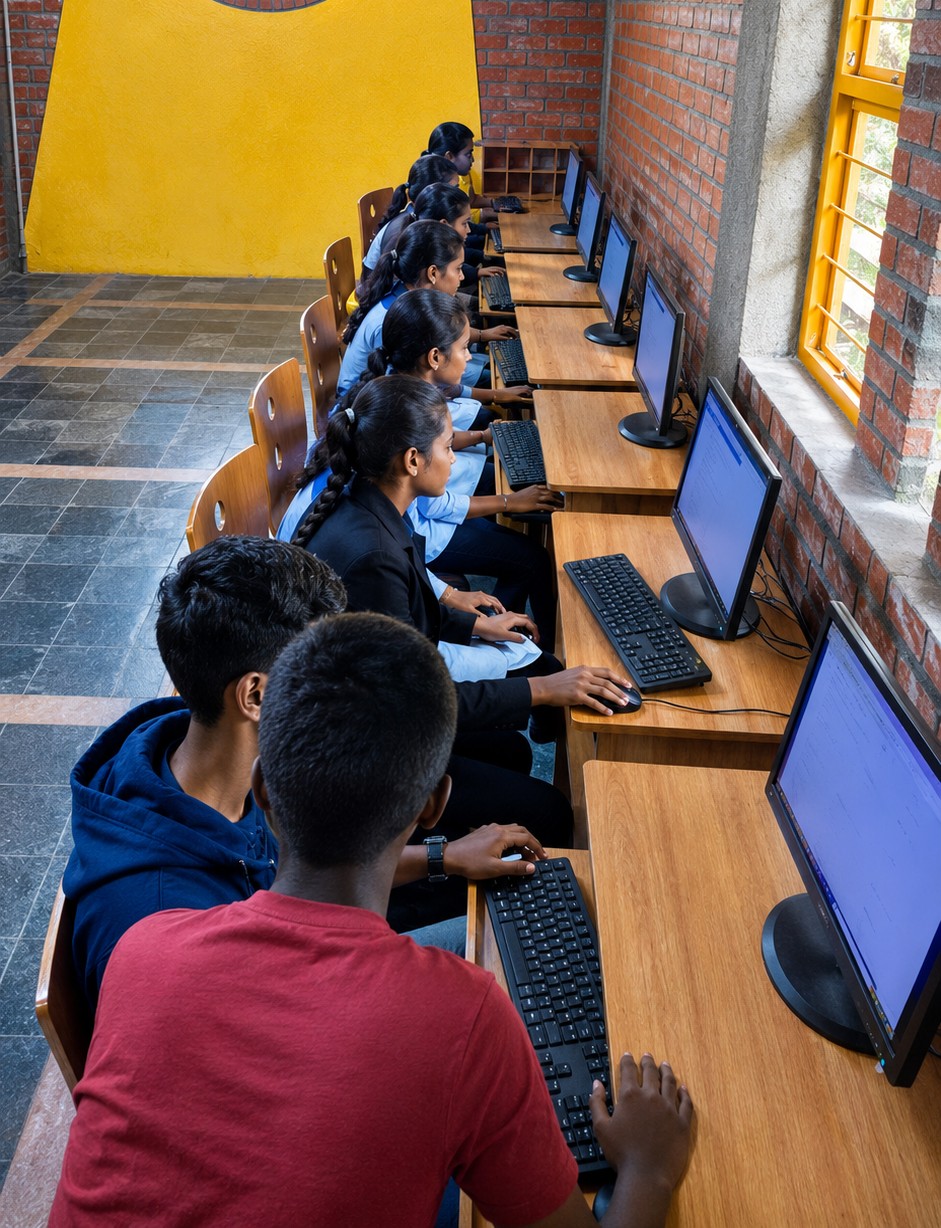
The Digital literacy program is CLT India's initiative to bring structured digital learning resources to marginalized communities. We provide comprehensive, in-house developed curriculum that spans two levels — Foundation and Advanced — giving students hands-on experience.
Our program reaches students who have dropped out of school as well as those currently pursuing their education, ensuring no learner is left behind in the digital transition. By bridging the access gap, we support holistic development and open pathways to further education and livelihoods.
Aligned with the Digital India vision, the program equips beneficiaries with both technical proficiency and soft skills, creating a foundation for meaningful participation in the digital economy.
The program welcomes young students who are either currently enrolled in high school, PUC, or degree programs — or who have dropped out and are looking for a way back into learning and opportunity.
Students currently pursuing their education who want hands-on digital skills.
Young learners who have left school and seek a fresh start through digital skills.
A structured progression from foundational computer literacy to advanced digital skills — all content developed in-house by CLT.
Fundamentals of computing, what computers do, and why they matter in today's world.
Physical components — CPU, memory, storage, input/output devices, and how they work together.
Operating systems, applications, file systems, and the software-hardware relationship.
File management, keyboard shortcuts, system settings, and everyday productivity workflows.
Browsers, search engines, URLs, bookmarks, tabs, and effective information finding.
Gmail, Drive, Docs, Sheets, Slides, Calendar — collaboration and productivity in the cloud.
LAN, WAN, Wi-Fi, IP addresses, routers, and how devices communicate globally.
AI basics, prompt engineering, generative tools, and creative applications for learners.
Digital citizenship, privacy, security hygiene, netiquette, and responsible online behavior.
Semantic markup, document structure, forms, accessibility, and modern HTML5 best practices.
Styling, flexbox, grid, animations, responsive design, and CSS custom properties.
Computational thinking, algorithms, debugging strategies, and logical reasoning frameworks.
Database concepts, relational models, normalization, ER diagrams, and data integrity.
Queries, joins, subqueries, aggregation, indexes, and practical data manipulation.
Essential digital skills for personal and professional growth.
Navigate and utilize digital technologies effectively.
Preparation for job opportunities requiring digital literacy.
Confidence in using digital tools and platforms every day.